How to Choose a Digital Marketing Platform for a Small Business




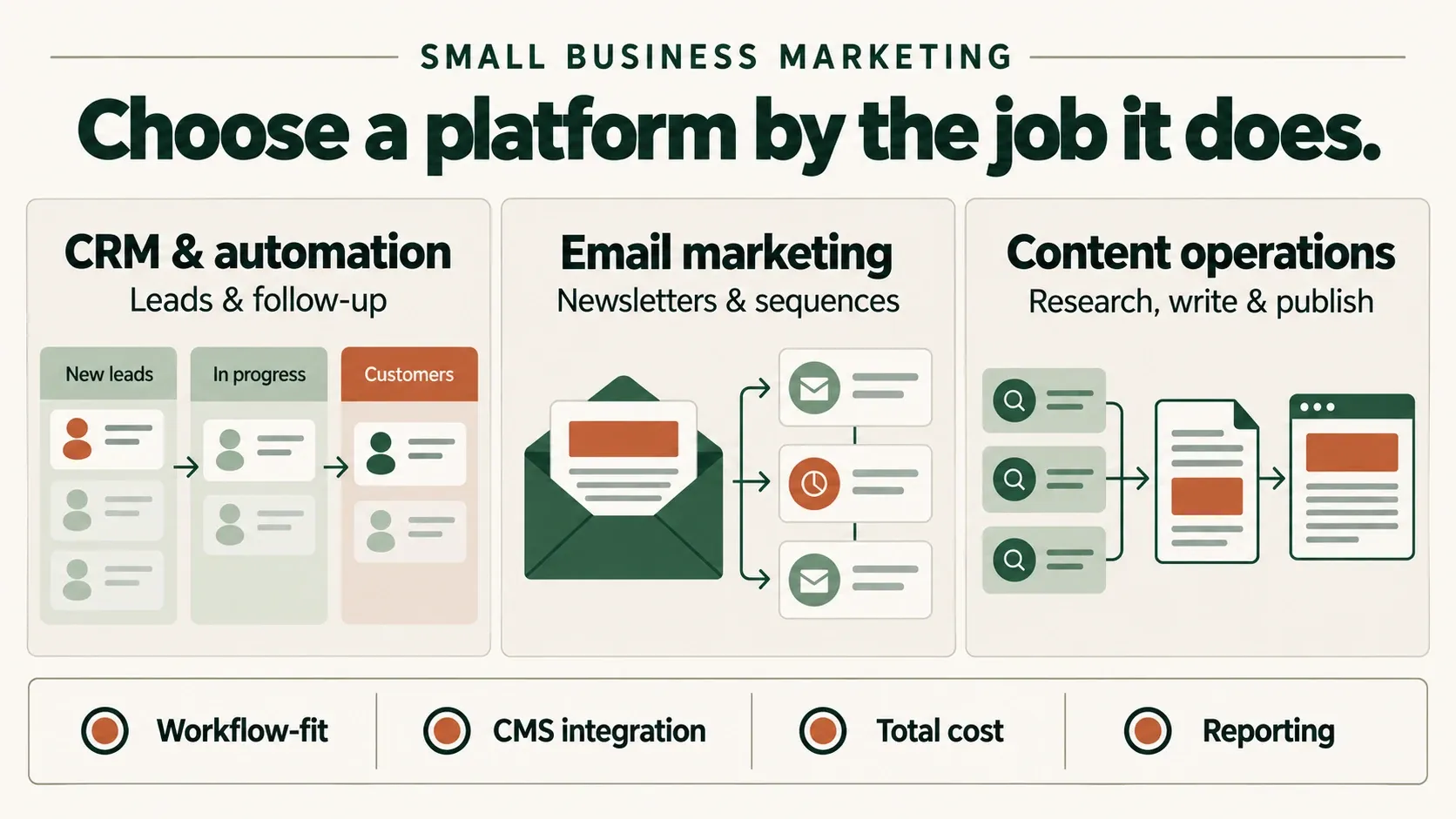
Choose a digital marketing platform by the work it must support, the systems it must connect to and the evidence you need to judge success. “Digital marketing platform” is a broad category: a CRM, an email service and a content-publishing system may solve different problems even when their feature lists overlap.
Define the job before comparing products
Write down the current workflow and its owner. If the main problem is following up sales leads, test contact management and automation. If it is producing and maintaining useful website content, test research, editorial review, CMS delivery and measurement. Avoid counting features that nobody will use.
| Requirement | A useful evaluation question | Evidence to request |
|---|---|---|
| Workflow fit | Can the team complete the real task? | A pilot using a reviewed example |
| CMS connection | Does the destination receive the required fields? | A draft with body, metadata and image checks |
| Editorial control | Who can approve and update content? | A demonstrated review and revision process |
| Reporting | What is measured, and with which denominator? | Definitions plus an export or underlying record |
| Commercial fit | What is included at the required usage? | Current pricing, limits and billing terms |
| Exit path | Can useful content and records be retained? | Verified export and cancellation provisions |
Test the integration, not the logo
A platform can list a CMS while still requiring a particular version, plugin, schema or paid capability. Check the exact destination and required permissions. Publish one controlled draft, inspect it in the CMS, then verify the intended public URL after approval. Test an update to the same record before scheduling a series.
For Writegarden, the production integration gate reviewed on 22 September 2026 enables WordPress, Webflow, Strapi and webhooks. Wix, Framer and Shopify have implementation work but remain marked coming soon in that gate. Check the integration pages for the current customer-facing availability. An integration’s source code alone does not prove a particular customer setup works.
Build a complete cost comparison
Include subscription charges, required add-ons, setup effort, review time and the cost of correcting failed deliveries. Use the same workload and review standard for every option. Do not assume that a content tool replaces a CRM, email service or analytics stack simply because each participates in marketing.
As an illustrative exercise, ask two vendors to deliver the same reviewed article to the same type of CMS. Record the steps, editing work and missing fields. Leave the cost-saving result blank until the team has actual time and price data. This is a proposed evaluation, not a report of customer savings.
Decide what success will mean
Separate operational measures, such as correction time and successfully published articles, from commercial measures, such as qualified enquiries and paid conversions. Search impressions, website visits and AI citations are also distinct. A dashboard total should not substitute for a definition of the event it counts.
Agree on a short pilot, an acceptance checklist and a decision owner. Keep useful existing tools until the replacement has demonstrated that it performs their required work. Use the publishing checklist to inspect the handoff, and the agency planning example when several client websites are involved.